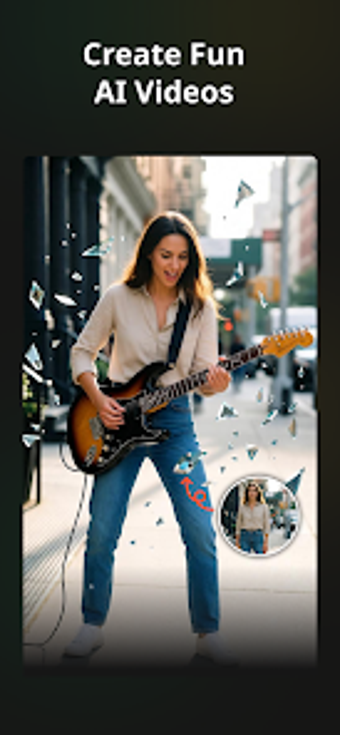
VidForge: AI Video Maker from DreamAngle Apps converts text prompts and static images into short, social-ready videos for mobile creators. It uses a cloud AI backend to generate animated clips, synthesize multilingual voiceovers, and apply templates optimized for vertical and horizontal output. The app pairs automated generation with an integrated editor for trimming and filters. Target users include social creators, marketers, and small businesses seeking rapid, polished video production.
Unlock your creativity with Adobe Stock
Get 10 images or 1 video with a free trial
It functions as a prompt-to-publish production tool for short-form clips
The app targets the full production stage from initial idea to export by using AI to animate content and assemble scenes, which reduces manual animation and cutting work. VidForge prepares clips for platforms such as TikTok, Instagram Reels, and YouTube Shorts and provides finishing controls inside the same workflow, so creators can move from concept to a shareable file without switching between multiple apps.
Templates and cloud rendering focus on mobile-first exports
Rendering and generation rely on cloud-based servers, so an active internet connection is required to produce videos. The app supplies templates optimized for vertical and horizontal orientations, which helps match platform aspect ratios without extra resizing. It is available on Android and requests a modern OS version to support its AI processing, aligning the feature set with mobile-first publishing rather than offline desktop work.
Ease of use depends on prompt clarity and editor refinement
User reception highlights fast turnaround, but generated results vary based on how descriptive prompts are. The integrated editor gives options for trimming, merging, and adding filters to refine AI output, while the voiceover engine supports multiple languages and tones to broaden audience reach. Prompt design and postgeneration tweaks together determine the final polish of a clip.
Fast production fits casual and social creators more than deep postproduction
VidForge produces visually appealing clips from simple inputs and supplies AI avatars and voiceovers to extend storytelling options. Creators who need frame-accurate timelines, multilayer audio mixing, or highly granular color grading may find the tool less suited to those tasks. Additionally, advanced capabilities and higher export limits operate behind account-restricted tiers, which affects power users who expect all features unlocked immediately.
Practical choice for creators prioritizing speed over granular control
VidForge is a practical option for social-first creators and small teams who need fast idea-to-post workflows and broad language support. It speeds concept realization through AI generation while leaving detailed, layer-based finishing to desktop editors; creators who require precise audio mixing or frame-level control should select a dedicated postproduction suite instead.
Pros
Generates videos directly from text prompts and static images
AI voiceovers available in multiple languages and tones
Templates optimized for vertical and horizontal social formats
Cons
Requires active internet connection; processing runs on cloud servers
Output quality depends heavily on clarity of user prompts
Advanced features and higher export limits are account-restricted
Laws concerning the use of this software vary from country to country. We do not encourage or condone the use of this program if it is in violation of these laws. Softonic may receive a referral fee if you click or buy any of the products featured here.